All-in-one, no install
Creation, editing, review and live checking flow together in a single browser.
VRM Viewer · Editor · Live
The all-in-one web studio to create, edit and check VRM avatars in motion
Start free, nothing to install. No downloads, no updates, no hardware worries.
Start for freeCreation, editing, review and live checking flow together in a single browser.
Common problems in files exported from other tools - unit mismatches, duplicated bones, broken skeletons - are diagnosed and repaired the moment you open them. Opening "unopenable" files is itself a feature.
Before export, required conditions are checked automatically so files that external engines or other tools would reject are never produced.
Webcam video never leaves your device, and social-login identifiers are stored only in an irreversible form.
日本語 · English · 한국어 · Bahasa Indonesia · 中文. Every app and the help pages follow the same language setting.
The viewer is free, and the editor and Live are partly free. Automation features are unlocked as needed with credits (one-time purchase).
See pricing detailsThree apps connected in a single pipeline.
Viewer
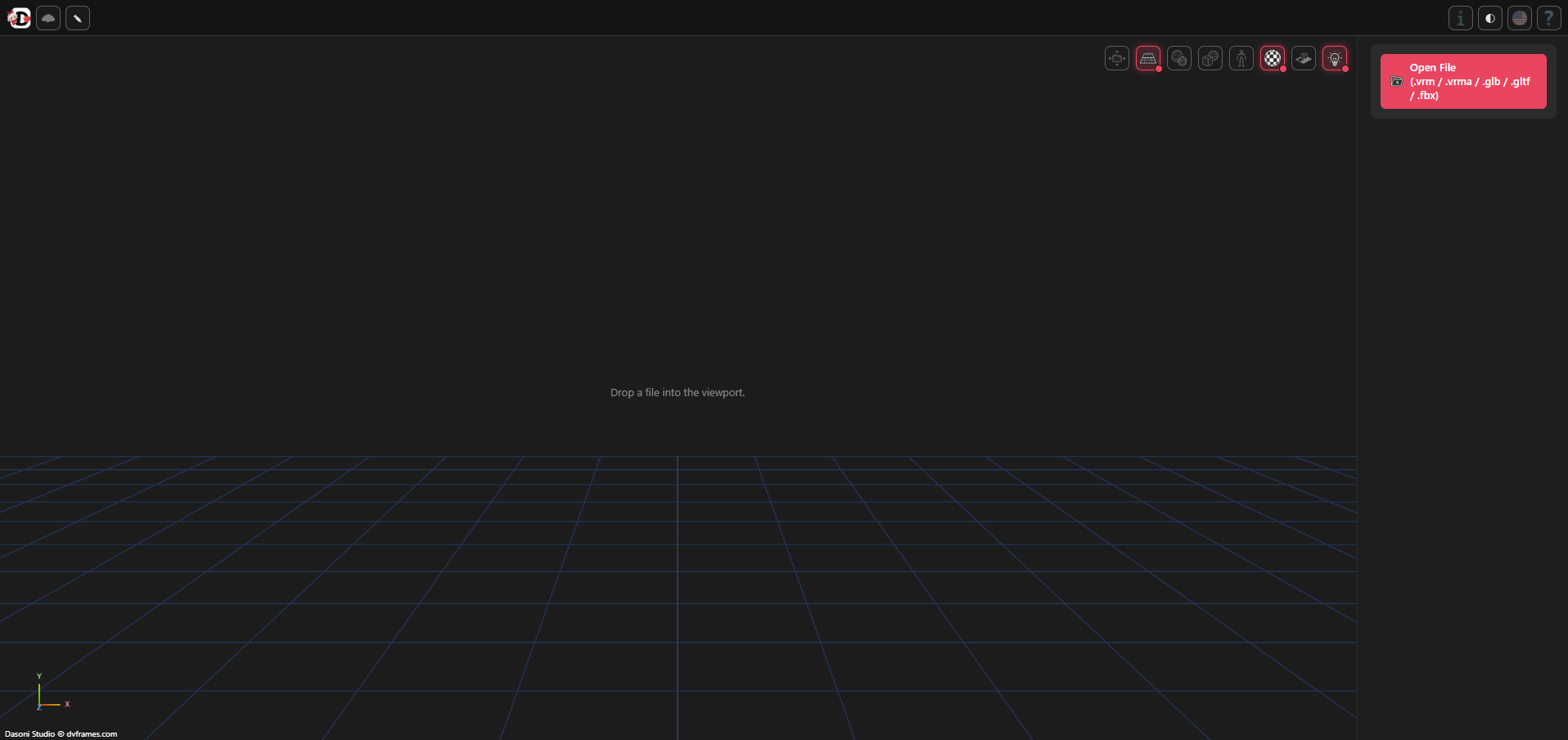
Play VRM/animation (VRMA), check model info and licenses, switch chroma backgrounds and themes. Finish your final pre-release check fast.
Editor
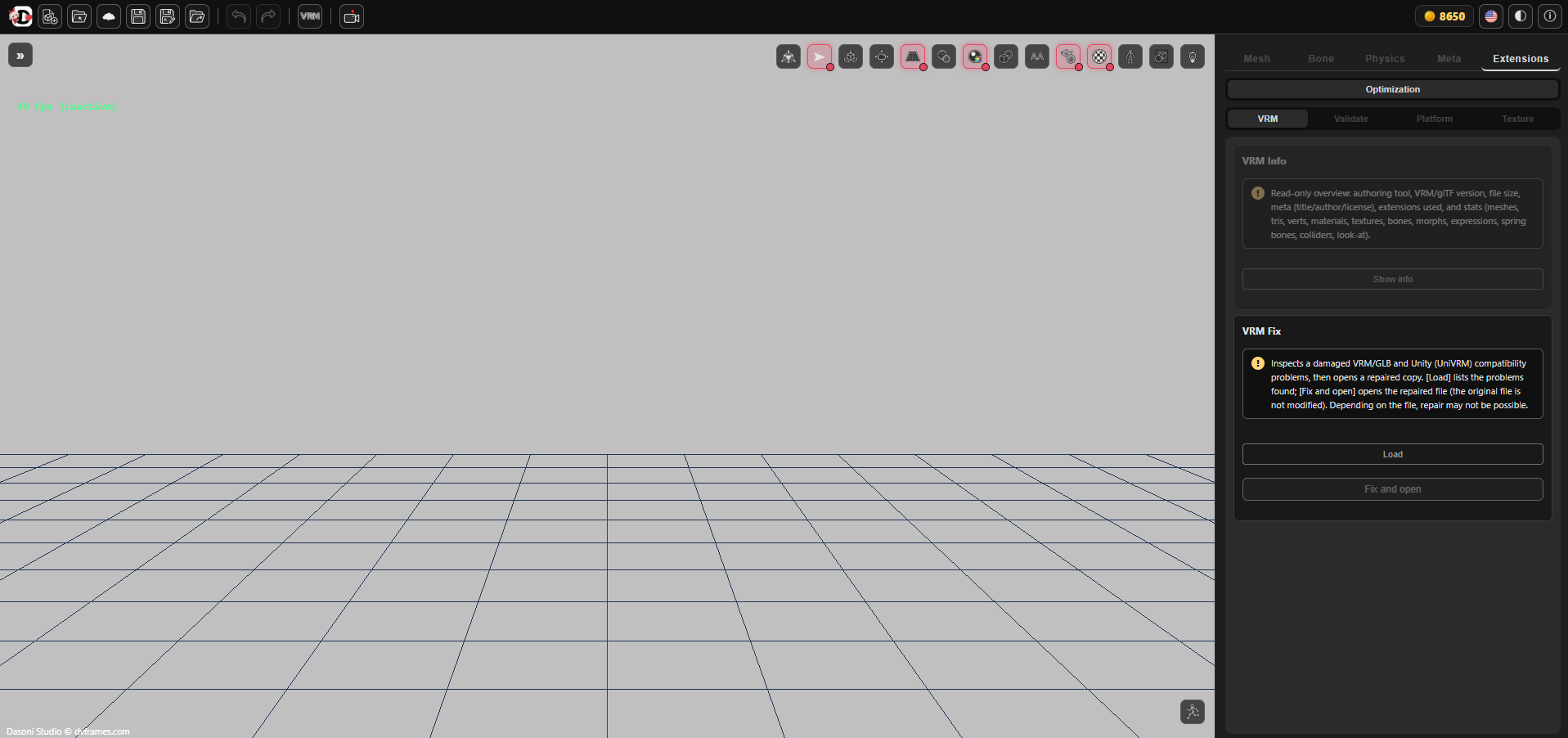
Drag in fbx, glb or gltf and VRM production begins. Rig-name standardization, automatic humanoid mapping, T-pose conversion and toon-shading conversion are supported. Expressions, physics and eye gaze are automated as well. Edit textures and thumbnails directly in the built-in image editor (layers, brush, selection, text, UV overlay) and apply the result straight to the model. Alongside the automation, every item can be edited precisely by hand.
Live
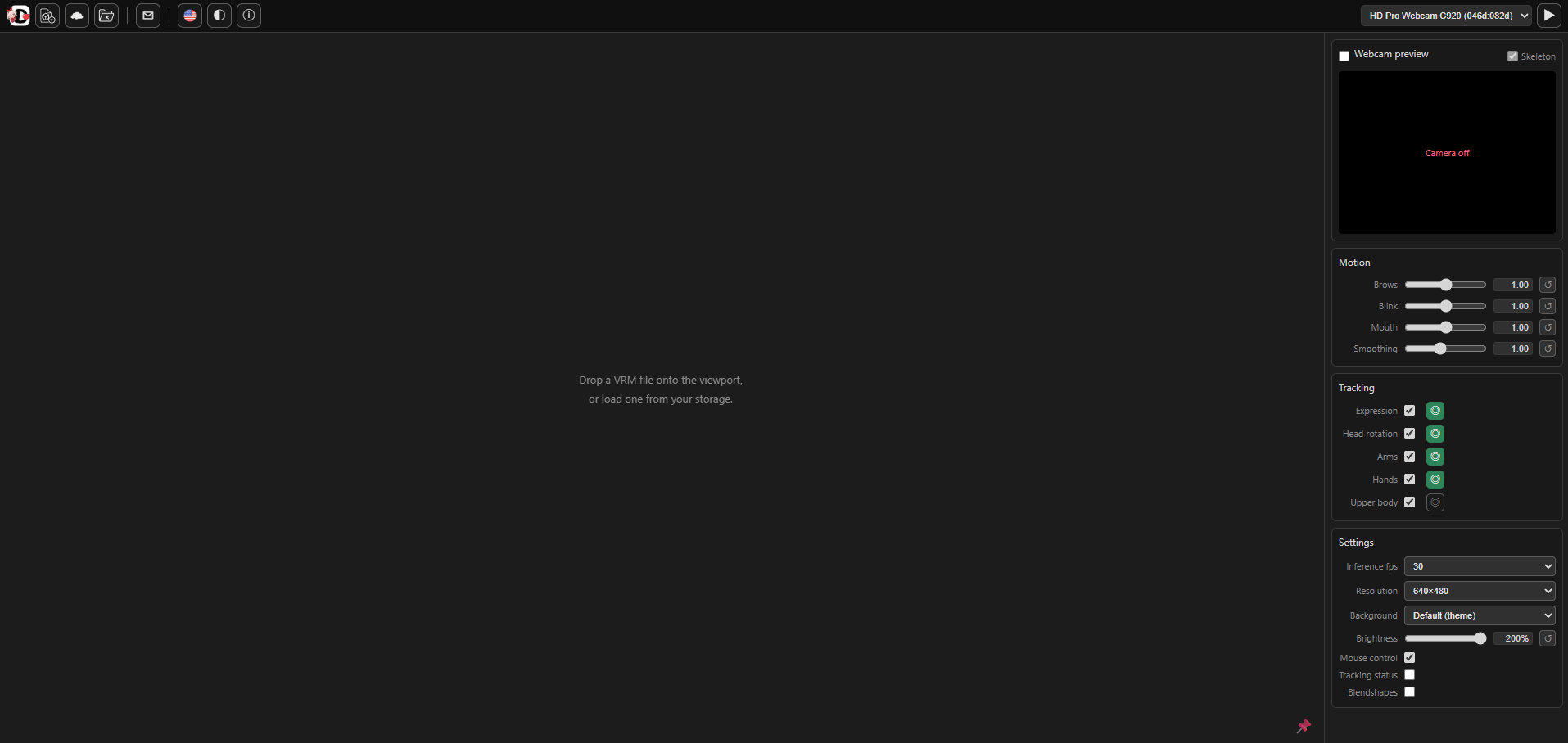
Track face, head, fingers and upper body in real time to see your edited VRM move as intended. Video never leaves the browser.
Automatic version numbering, project folders, history that recognizes identical files. Local drafts are saved automatically, so closing the tab never loses your place.
Recognized rigs are renamed to the standard in one pass and all 55 humanoid slots are mapped automatically. Every automation offers a review before applying.
Conversion steps that took hours by hand, reduced to buttons.
Renames the bones of a recognized rig to the standard in one pass and auto-maps all 55 humanoid slots.
Direction-alignment based, so results are consistent regardless of each file's A-pose angle.
Converts standard materials to toon shading (MToon) in one pass, detects VRoid, ARKit and Japanese-style morphs and binds expression presets automatically.
Detects hair and clothing sway chains, applies presets and places colliders automatically. Extended colliders (inside and plane types) are supported.
Pick a scenario - personal, distribution or free distribution - and license and permission fields are filled in at once, with a preview of the values to be applied.
Catches missing required bones, duplicate assignments, hierarchy violations and other causes of rejection by external engines before export, with per-item diagnosis.
Beginner or pro, everyone works to their own goal from a single browser.
VTubers & streamers
Verify your avatar moves correctly before going live.
3D artists & modelers
Rig-name normalization, automatic humanoid mapping, and a validation gate keep everything to spec.
Creators & illustrators
No 3D knowledge needed - it's all button by button.
Game & app developers
Missing required bones and hierarchy violations are blocked before export.
Beginners & hobbyists
Drop in a file and your first VRM is made.
A representative flow for standard humanoid rigs - actual time varies with the model.

One drag
Damaged files can be repaired and opened with VRM Fix, and units (cm/m) and bone scale can be corrected.
Bone naming → mapping → T-pose → materials, expressions, physics, gaze
The result of each step can be reviewed before applying.
Validation gate → export → Live
Confirm the validation gate passes, then export .vrm or save to storage. Turn on your webcam in Live to see your finished avatar in motion right away.
Detailed steps are in the help pages.도움말에서 확인할 수 있습니다.